
How to Make Your Home Truly Smart? A Complete and Accessible Guide
- A truly smart home relies on three pillars: a reliable network, a compatible protocol (Wi-Fi, Zigbee, Z-Wave, or Matter), and automations that link devices together.
- Starting small is more effective than equipping everything at once: lighting, a smart plug, and a smart speaker are enough to test the ecosystem before investing further.
- Heating and security (cameras, alarms, locks) are the areas that provide the most comfort and tangible daily savings.
- A central hub (Home Assistant, SmartThings, Homey) prevents “app fatigue” and allows for the creation of real automated routines.
- Budget can be kept under control: a coherent first setup typically costs between $200 and $500, which can be expanded gradually based on your needs.
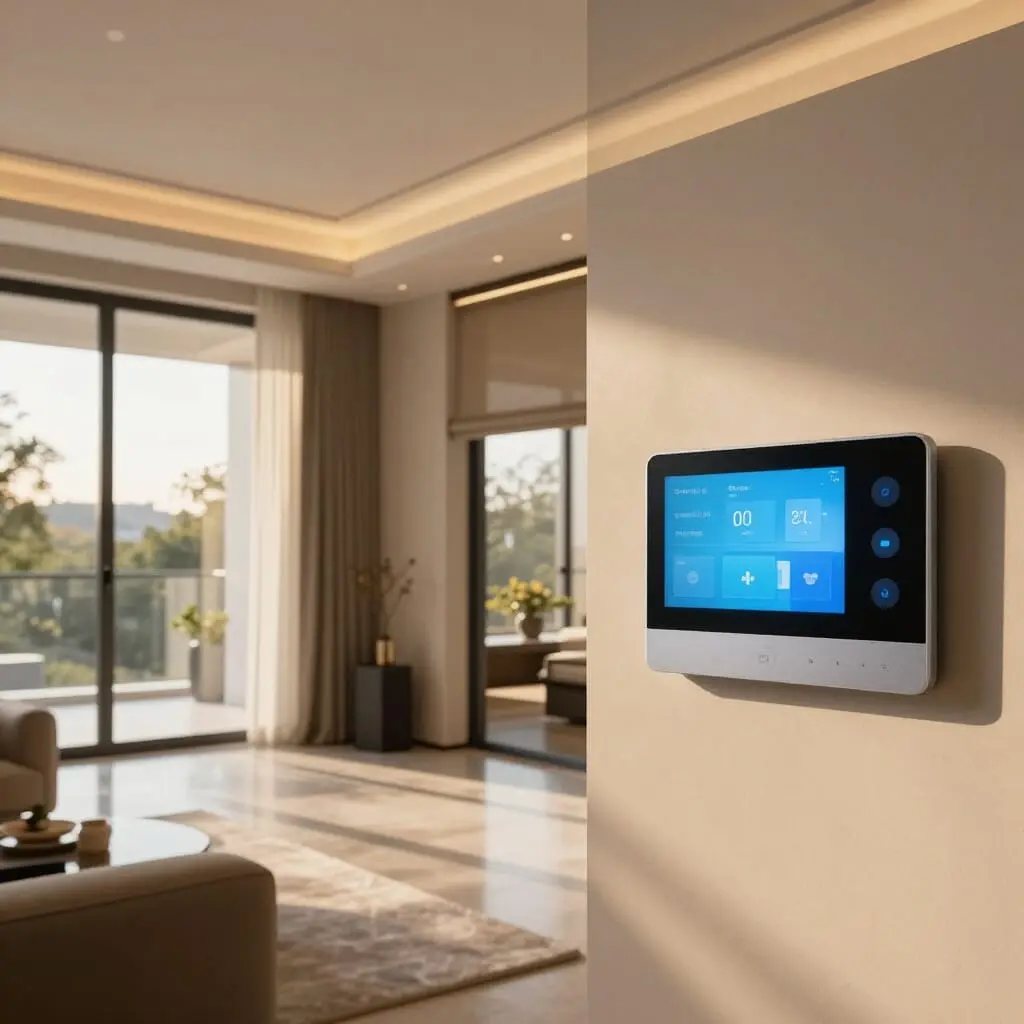
Making your home smart isn’t about accumulating connected gadgets; it’s about making devices communicate so they react automatically to daily situations: lowering the heat when no one is home, turning on the lights at sunset, or alerting you if a door is left open. A truly smart home differs from a simple “connected” home through this capacity for coherent automation, rather than just remote control via an app. This guide details the fundamentals—network, protocols, essential equipment, central hubs, and budget—to transform a standard house into an automated home, step by step, without getting lost in the sea of available solutions.
Connected Home vs. Smart Home: A Key Difference
Many people confuse these two concepts, which explains a lot of the disappointment after purchase. A connected home is limited to objects that can be controlled via an app: you open your smartphone, press a button, and the light turns on. It’s convenient, but it’s still manual. A smart home goes further: devices exchange information and react on their own, without human intervention, using rules or sensors. A connected thermostat that is simply controlled remotely is only “connected”; if it automatically lowers the temperature by detecting your absence via phone geolocation, it becomes “smart.”
This distinction guides the rest of the process. Buying isolated objects, even high-performing ones, isn’t enough if nothing connects them. The real value appears when a motion sensor triggers a light, a camera activates an alarm, or a humidity sensor automatically shuts off a plug. This networking, driven by scenarios, is what distinguishes a home where you are still managing technology from a home where technology actually works for its occupants. Keeping this goal in mind prevents the accumulation of novelty gadgets that end up gathering dust after a few weeks—a frequent phenomenon among beginners who buy before defining their needs.
Laying the Foundations: Network and Protocols
Before buying anything, you must decide on the communication protocol, as this determines future compatibility between devices. Three main families coexist. Wi-Fi requires no additional gateway and remains affordable, but it puts a heavy load on your router and can become unstable once you have more than thirty devices. Zigbee and Z-Wave operate on low power via a local mesh network, which is more stable for growing installations, but they require a dedicated box (hub or gateway).
In recent years, a new standard has changed the game: Matter. Backed by major manufacturers (including Google, Amazon, Apple, and Samsung), Matter aims to unify these protocols so that devices from different brands work together without complex configuration. It relies on Thread, a low-power mesh network particularly suited for small sensors. For a beginner in 2026, prioritizing Matter-compatible devices significantly reduces the risk of technical dead-ends, even if the ecosystem isn’t yet uniformly mature across all product types.
Your home Wi-Fi network also deserves a preliminary check: an old or poorly positioned router quickly becomes the bottleneck for the entire installation. A repeater or a mesh system may be necessary even before buying your first connected object, especially in multi-story homes or those with thick walls.
Smart Lighting: The Most Accessible Entry Point
Lighting remains the most recommended starting point for practical reasons: smart bulbs are easy to replace without renovations, are inexpensive per unit, and provide an immediately visible effect. They allow you to program schedules, simulate presence when you’re away, or adjust intensity and color based on the time of day. Paired with a motion sensor, they turn on and off automatically in a hallway, bathroom, or garage, preventing waste and reducing electricity consumption.
There are two approaches: replacing traditional bulbs with smart models, or installing a smart switch or module behind the existing switch. The latter is often more discreet and compatible with existing lamps. The second option generally requires basic electrical skills or a professional, while the first is as simple as screwing in a bulb. To test the ecosystem without a major commitment, equipping a single room—the living room or entryway—with two or three smart light points is enough to understand how it works before expanding to the whole house.
Smart Heating: Measurable Comfort and Savings
Heating is where home automation produces the most concrete effects on your bills. A smart thermostat learns the household’s habits, adjusts the temperature room by room using smart radiator valves, and automatically cuts the heat when an absence is detected. Some manufacturers offer progressive purchase plans, allowing you to start with a single central thermostat before extending the system radiator by radiator as your budget allows.
The benefit goes beyond simple comfort: programming a temperature drop at night or during away-hours, without having to think about it daily, prevents waste. Some systems also integrate window sensors that shut off the heat as soon as a window is opened—a simple but effective scenario against heat loss. However, one should be cautious about the savings promises made by manufacturers: they depend heavily on the type of heating, the home’s insulation, and existing habits. A poorly insulated home will benefit more from a smart thermostat than an apartment that is already well-regulated.
Security: Cameras, Alarms, and Smart Locks
Security motivates a large portion of first-time home automation purchases, and it’s also the area where automation makes the most sense. A smart camera paired with an open-door sensor can trigger a notification, turn on the lights, and activate a siren in a single chain of events, without complex configuration once the scenario is created. Smart locks allow you to grant temporary access to a friend or service provider without duplicating a physical key and let you verify remotely if the door is locked.
For more advanced protection, professional monitoring adds a layer of security: in the event of an alert, a monitoring center verifies the situation and can notify the police, which goes beyond what a simple smartphone notification can offer. This option comes with a recurring cost that should be weighed against the actual risk level of the home. In any case, smart security works best in complementary layers rather than with a single isolated piece of equipment: a camera alone alerts, but it neither deters nor blocks an intrusion as effectively as a well-configured combination of camera, alarm, and smart lock.
Plugs, Sensors, and Everyday Gadgets
Smart plugs are often the third purchase, after lighting and an initial security sensor. They allow you to cut power to a device remotely or on a schedule, which is particularly useful for energy-hungry devices in standby mode, such as media boxes, chargers, or small kitchen appliances. Some plugs include energy monitoring, which helps identify the most power-hungry devices in the home and adjust habits accordingly.
Sensors (temperature, humidity, opening, motion, smoke) complete the installation by providing the data necessary for automations. A humidity sensor in the bathroom can trigger the ventilation; a smoke sensor can cut the power to a specific zone upon detection. These small, inexpensive elements are often what differentiate a truly automated home from one where every device is still controlled manually. However, they require some thought regarding placement to be truly useful, rather than being installed randomly.
Choosing a Central Hub to Avoid App Fatigue
Without a central point, every brand imposes its own app, its own limited automations, and its own account constraints. A home automation hub (such as Home Assistant, Samsung SmartThings, or Homey) groups all devices, regardless of protocol or manufacturer, under a single interface and allows for cross-brand scenarios. This component is what transforms a collection of connected objects into a true intelligent system.
The choice of hub depends on your technical level. Home Assistant, an open-source solution, offers the most flexibility and compatibility, but comes with a steeper learning curve. More consumer-friendly solutions like Homey or SmartThings prioritize ease of installation, with broad compatibility but sometimes less depth for advanced automations. For a household just starting out, choosing a hub within the first two or three devices avoids the frustration of having to reconfigure everything later once the installation has grown haphazardly.
Creating Meaningful Automations and Routines
Automation is the heart of what makes a home “truly” smart, going beyond simple remote control. A routine combines several actions triggered by a single event: a “leaving home” scenario can turn off the lights, lower the heat, activate the alarm, and lock the door with a single voice command or automatically via smartphone geolocation. A “wake up” scenario can gradually open the blinds and turn on the connected coffee maker without manual intervention.
The rule of thumb for beginners: start with two or three simple automations that are useful daily, rather than trying to program everything at once. A poorly thought-out automation—too many conditions, contradictory triggers—quickly becomes a source of annoyance rather than comfort. This is often why some households abandon home automation after an overly ambitious installation. Adjusting, testing, and then expanding gradually remains the most reliable method for achieving automations that are actually used long-term.
What Budget Should You Plan For?
Contrary to popular belief, making your home smart doesn’t require a massive budget from the start. A coherent first setup—a smart speaker, two or three bulbs, and a smart plug—can be put together for around $100 and allows you to test the basics in a single room. A more complete installation, including a central hub, a few sensors, and a smart thermostat, generally falls between $200 and $500 for a well-equipped first home.
Beyond that, adding cameras, smart locks, or a more ambitious multi-room system increases the cost, with no real ceiling depending on the level of automation desired. According to recent industry trends, a large majority of homeowners are now looking to invest in connected equipment, with a marked preference for security, lighting, and heating—the three categories that offer the best ratio between entry cost and perceived benefit. Spreading purchases over several months, based on needs identified after initial use, remains the most reasonable strategy for a standard family budget.
Mistakes to Avoid When Starting
The first mistake is buying devices from different brands and protocols without checking their compatibility beforehand, resulting in a clutter of apps that don’t communicate with each other. The second mistake, equally common, is wanting to equip everything at once: connecting an entire house in one weekend often leads to frustration and configuration errors due to a lack of time to properly understand each feature.
Neglecting network coverage before installation is a third common error: devices that frequently disconnect due to insufficient Wi-Fi or Zigbee signals quickly become useless, regardless of their intrinsic quality. Finally, ignoring software updates for devices and the central hub exposes you to security vulnerabilities and avoidable bugs. Maintaining a connected home requires regular, albeit limited, attention to ensure every device is working correctly and software is up to date—a point often underestimated by newcomers to domotics.
Cybersecurity and Privacy: Points of Vigilance
A smart home multiplies the objects connected to the internet, and therefore the potential entry points for a cyber intrusion. Changing the default passwords for every device, enabling two-factor authentication (2FA) on manufacturer accounts, and isolating connected objects on a separate Wi-Fi network (often called a guest network) from the rest of your personal devices significantly reduces risks. This last point is particularly recommended for cameras and smart locks, where a compromise would have more sensitive consequences than a poorly secured light bulb.
Privacy also deserves attention, especially regarding smart speakers and indoor cameras that continuously capture sound or images. Check default privacy settings, disable “always listening” modes when not necessary, and prioritize solutions that process data locally rather than on remote servers to limit the exposure of the household’s personal data. These settings take a few minutes during initial configuration but prevent inconveniences that are harder to correct once the installation is in place and habits are formed.
Where should I start to make my home smart?
The simplest starting point is connected lighting paired with a smart speaker or central hub in a single room. This allows you to understand how automations work before expanding to other uses like heating or security.
Which protocol should I choose: Wi-Fi, Zigbee, or Z-Wave?
Wi-Fi is suitable for a few devices without an extra gateway, while Zigbee and Z-Wave offer more stability for a growing installation. Prioritizing Matter-compatible devices limits long-term compatibility issues between brands.
What budget is needed for a first home automation setup?
A basic, coherent setup with a few bulbs, a plug, and a smart speaker costs around $100. A more complete installation with a hub and sensors typically ranges between $200 and $500.
Do I need a central hub for a smart home?
It’s not mandatory for a few devices from the same brand, but a hub becomes essential as soon as you want devices from different manufacturers to communicate or create cross-device automations.
Does home automation really save energy?
Smart heating and controlled plugs reduce waste caused by forgetfulness and standby devices, but the extent of the savings depends heavily on the home’s insulation and existing habits.
How do I secure my connected home against hacking?
Changing default passwords, enabling two-factor authentication, and isolating connected objects on a separate Wi-Fi network are the most effective and simplest measures to implement.
Can I install home automation myself without an electrician?
The majority of consumer devices (bulbs, plugs, cameras, sensors) can be installed without specific technical skills. Only certain modules installed behind wall switches or more advanced wired installations require a professional.
How long does it take to equip an entire house?
There is no fixed timeline, as the recommended approach is to expand the installation gradually, room by room, over several months, rather than doing everything at once.
Sources
- Smart Home 2026: 10 Home Automation Gadgets Worth It — IDHD
- Home Automation 2026: Creating Your Connected Home from $200 to $1000 — Arkendia
- Connected Home for $300: The Perfect Beginner Setup — HomeWizz

D'autres conseils Electrical Systems & Smart Home
 →
→
Smart Home Guide: How to Fully Automate Your House
Learn how to build a truly smart home: protocols, automation tips, budget, and essential gadgets to get started the right way.
Lire l'article →