
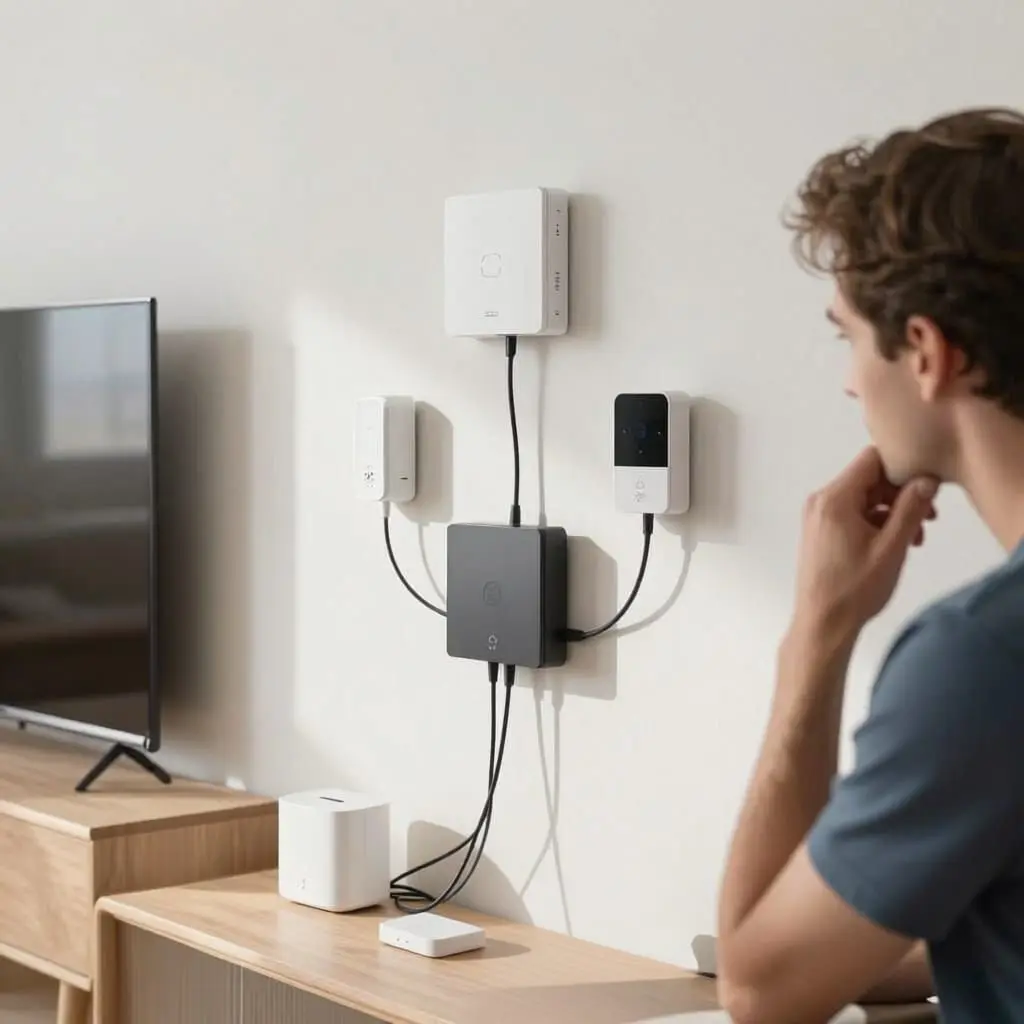
Smart Home Installation: Mistakes to Avoid for a Successful Project
- Poor planning is expensive: Over 30% of smart home installations fail due to uninformed choices made at the start.
- Protocol choice (Wi-Fi, Zigbee, Z-Wave, Matter) dictates the future compatibility of all your devices.
- The 2.4 GHz Wi-Fi band remains essential for the majority of entry-level smart devices, contrary to popular belief.
- App fatigue: Multiplying apps and brands without an ecosystem strategy is the primary cause of frustration for beginners.
- Network security and the real budget (wiring, labor, subscriptions) are too often underestimated before the first purchase.
Whether you’ve just bought your first smart plug or are planning a full-home setup, you want to know which pitfalls to avoid so your exciting project doesn’t turn into a costly headache. The answer is simple: the vast majority of smart home failures aren’t caused by bad products, but by a lack of upfront planning—unverified protocols, undersized Wi-Fi networks, incomplete budgets, or a pile of incompatible ecosystems. This guide reviews the most frequent installation errors and provides concrete ways to anticipate them before you install your first device.
Launching Without a Diagnosis or Project Scope
The first and most common mistake is buying a flashy gadget—a smart bulb or a controllable plug—without first defining what you actually want to automate. A middle-class household looking primarily to reduce heating bills has very different needs than one trying to secure a home that is often empty during the day. Without this initial reflection, you end up accumulating isolated devices that don’t communicate with each other and serve no specific purpose.
The best approach is to list the three or four priority uses room by room: lighting, heating, security, or audio-visual comfort. This list then acts as a filter for every future purchase: if a device doesn’t fit one of these priorities, it waits. This project scope, even if informal, also prevents you from under- or over-sizing the installation—a frequent trap for beginners who want to buy everything in one go before even testing a simple scenario for a few weeks.
Taking the time for this step before buying anything is what clearly separates installations that last from those abandoned after a few months due to a lack of real utility.
Choosing a Protocol Without Considering Future Compatibility
Home automation relies on several communication protocols that do not natively “speak” to each other: Wi-Fi, Zigbee, Z-Wave, and more recently, Matter, which was designed to unify ecosystems. A classic mistake is buying the first device found on sale without checking its protocol, only to discover a few weeks later that a second purchase from a different brand cannot communicate with the first.
Wi-Fi is attractive because of its ease of installation since it doesn’t require an extra hub, but it quickly saturates a home router once you exceed a dozen connected devices. In contrast, Zigbee and Z-Wave use low-energy mesh networking; while they require a dedicated hub, they offer much better long-term stability for a large number of devices. Matter is beginning to establish itself as a unifying standard, but not all devices on the market support it yet.
The golden rule before any purchase: check the protocol listed on the product sheet and ensure it is compatible with the hub or app you already have, rather than choosing based solely on price or design.
Underestimating Wi-Fi Network Requirements
Many beginners believe that a good internet plan is enough to run a smart home. In reality, the majority of entry-level smart devices—bulbs, plugs, sensors—only work on the 2.4 GHz band, not the 5 GHz band preferred by modern routers for high-speed use. Failing to check this before purchasing leads to devices that either never connect or randomly disconnect after a few days.
Additionally, there is the issue of capacity: a standard consumer router is not designed to handle dozens of devices simultaneously without significant slowdowns. Once you surpass about fifteen Wi-Fi devices, speeds drop and automations become less reliable, with noticeable response delays in daily scenarios.
The solution is to enable the 2.4 GHz band alongside the 5 GHz on your router, position the router in the center of the home rather than in a corner, and consider a repeater or a mesh system once you exceed ten devices. For more ambitious setups, moving part of your device park to a mesh protocol like Zigbee directly relieves the Wi-Fi network and improves overall stability.
Piling Up Incompatible Ecosystems and Apps
A camera controlled by one app, bulbs by a second, and blinds by a third: this scenario is common among beginners who buy based on sales. It results in a smartphone cluttered with apps that never communicate. Consequently, it becomes impossible to create a simple scenario like “turn off the lights and close the blinds when leaving the house,” because each brand remains siloed in its own software universe.
This dispersion also hinders adoption by the rest of the household: a spouse or children who are less tech-savvy will quickly give up if they have to open three or four different apps depending on the room or device. The smart home then loses its purpose, which is to simplify daily life rather than complicate it.
The fix is to centralize as soon as possible around a single assistant or app compatible with multiple brands. For every new purchase, prioritize devices explicitly compatible with your chosen ecosystem over those that force you to use their own closed app. This discipline, applied from the start, prevents you from having to replace everything two years later.
Neglecting Home Network Security
Every smart device added to a home network is a potential entry point if it remains on default settings. Many beginners install their devices without ever changing the factory password, activating automatic firmware updates, or separating their smart device network from the one used for sensitive tasks like personal banking or remote work.
This negligence not only exposes you to intrusions via smart cameras or locks but weakens the entire home network, as a compromised device can serve as an access point to other equipment. Reputable manufacturers release security patches regularly, but these are only useful if they are actually installed.
Three simple habits reduce most of the risk: always change default credentials during initial setup, activate a guest or secondary Wi-Fi network dedicated to smart devices, and check quarterly that all updates are current in the hub’s app. These steps take a few minutes but prevent the majority of security incidents seen in home installations.
Underestimating the Real Project Budget
The price shown on a product page almost never reflects the total cost of a smart home installation. Depending on the case, you must add the central hub, potential electrical wiring if the home lacks the necessary neutral wire, an electrician’s labor for panel work, and sometimes recurring subscriptions for proprietary cloud services.
Many beginners discover these additional costs after the first batch of devices is already installed, forcing them to either halt the project or make unplanned, hurried purchases to complete the system. This approach is systematically more expensive than global budget planning from the start, item by item.
The best practice is to establish a projected budget including a 15% to 20% margin for unforeseen costs—extra wiring, mounting accessories, compatibility adapters—and to check if any device requires a monthly or annual subscription before buying. This simple check avoids surprises on the final bill, especially for households equipping their home gradually over several months.
Skipping a Suitable Central Hub
Some beginners choose to control everything via Wi-Fi and individual brand apps to save money on a hub. This works for three or four devices but becomes limiting as the system grows: without a central hub, it is impossible to create cross-brand scenarios or use mesh protocols like Zigbee or Z-Wave that require a dedicated gateway.
Conversely, choosing a hub without checking supported protocols is the opposite mistake: some entry-level hubs only support one protocol, immediately limiting future purchases to a single family of devices. The hub then becomes a hindrance rather than a facilitator.
The deciding factor should be multi-protocol compatibility, ideally with Matter support, which allows Wi-Fi, Zigbee, and Z-Wave devices to coexist on a single interface. A hub chosen with this requirement from the start prevents the need to replace it a year later once your device collection has grown.
Ignoring Existing Electrical Constraints
Homes built before the 2000s rarely have a neutral wire in every switch box—a constraint many beginners only discover when installing their first smart switch. Without a neutral wire, most classic wired models simply cannot be installed without rewiring, turning a “simple” project into a full electrical renovation.
This technical constraint explains why many smart home products are now designed for “no-wire” installation: smart bulbs that screw into existing sockets, plug-in smart plugs, adhesive motion sensors, and wireless thermostats that clip onto radiators. These solutions allow you to start without an electrician, but they don’t replace a wall switch for households that want physical control alongside the app.
Before buying any wired smart switch or dimmer, it is essential to verify the presence of the neutral wire in the box, potentially with the help of an electrician. A ten-minute check prevents product returns or unplanned costs in the initial budget.
Trying to Automate Everything on Day One
The final common mistake is more about method than hardware: trying to program dozens of complex scenarios involving heating, lighting, security, and multimedia simultaneously in the first week. This approach creates fragile automations that are difficult to diagnose when they fail and are often abandoned because the configuration becomes too confusing.
The most reliable long-term installations are built gradually: one or two simple scenarios are tested and adjusted for several weeks before adding new ones. This progressive rollout makes it easier to spot the cause of a malfunction, as each new automation remains isolated and understandable rather than buried in a complex chain of cross-conditions.
Finally, ongoing maintenance is the most neglected point: app updates, replacing sensor batteries, and periodically verifying that scenarios still work. A smart home is never a “set it and forget it” project; it is a system that requires light, regular maintenance to remain reliable over the years.
Which protocol should I choose to start with?
For beginners, Wi-Fi is the easiest to implement without a hub, but it crowds the network quickly. Zigbee, paired with a Matter-compatible hub, offers a better balance for a device park that is expected to grow.
Do I absolutely need a smart home hub?
No for a few isolated Wi-Fi devices, but yes once you want to link different brands or use mesh protocols like Zigbee or Z-Wave, which require a dedicated gateway.
Why won’t my smart devices connect to the Wi-Fi?
The most frequent cause is attempting to connect to the 5 GHz band, whereas most entry-level devices only work on the 2.4 GHz band. Ensuring this band is active on your router solves most cases.
How much does a smart home installation actually cost?
The cost depends heavily on the number of devices and any electrical work needed, but you should always budget 15% to 20% above the device price for the hub, accessories, and potential subscriptions.
Can I install smart home tech without a neutral wire in the walls?
Yes, by prioritizing solutions that don’t require wiring changes: smart bulbs, plug-in sockets, adhesive sensors, or wireless thermostats, which do not require a neutral wire in the switch box.
How do I secure my smart home network?
By systematically changing default passwords, enabling automatic updates, and isolating smart devices on a secondary guest Wi-Fi network separate from sensitive household uses.
Should I automate the whole house from the start?
No, it is better to start with one or two simple scenarios, test them for several weeks, and then gradually expand the installation to keep the system understandable and easy to diagnose.
Sources
- Beginner smart home mistakes 2026: 9 pitfalls to avoid — la-maison-intelligente.fr
- 5 mistakes to avoid when installing your smart home system — pac.artisanonline.fr
- Smart home installation: price, guide, and pitfalls in 2026 — madotec.fr
- Getting started with home automation: standards, budget, and pitfalls — la-cabane44.fr

D'autres conseils Electrical Systems & Smart Home
 →
5 Warning Signs of a Dangerous Electrical Installation
Learn how to spot a dangerous electrical installation: tripping breakers, blackened outlets, and exposed wires. Essential safety tips and advice.
Lire l'article → →
Smart Switches vs. Smart Bulbs: Complete Comparison Guide
Smart switches or smart bulbs? Compare costs, installation, and features to find the best smart lighting solution for your home.
Lire l'article → →
Smart Plugs: 10 Practical Everyday Uses
Discover 10 practical ways to use smart plugs: save energy, automate routines, and improve security. Easy setup and compatible with Alexa and Google.
Lire l'article → →
Smart Roller Shutters: Are They Worth the Investment?
Discover if smart roller shutters are actually useful: comfort, energy savings, costs, and real-world benefits explained.
Lire l'article →