Smart Roller Shutters: Are They Actually Useful for Your Home?
- A smart roller shutter combines remote control, scheduling, and integration with a smart home ecosystem (Alexa, Google Home, smart hubs).
- Gains in comfort and security (presence simulation) are immediate and noticeable from the first few days of use.
- The impact on heating bills is real but modest; it depends primarily on the existing insulation quality of the home.
- Expect to spend between $110 and $550 per window to connect an existing shutter, and $1,600 to $5,400 to equip an entire house.
- Utility varies by profile: remote workers, seniors, families with children, and frequent travelers get the most value.
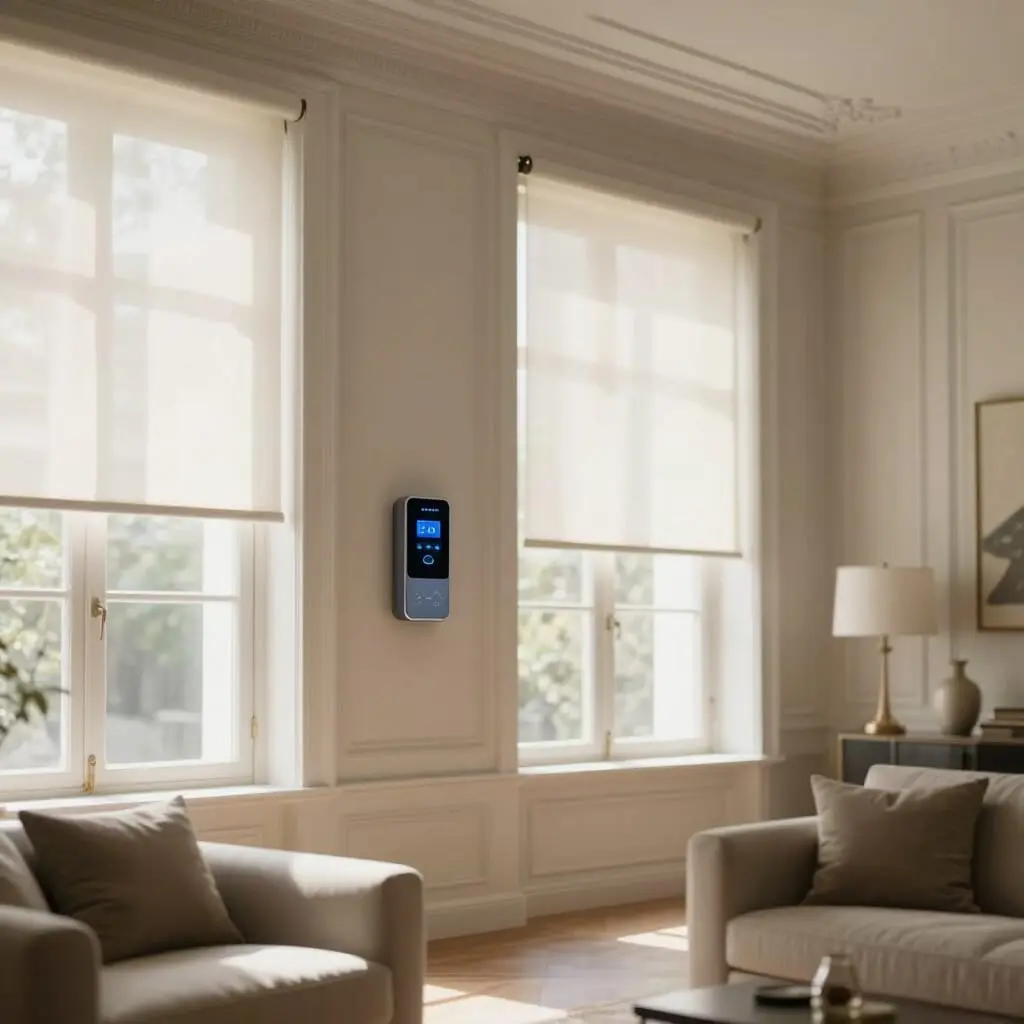
Are smart roller shutters actually useful, or are they just another smart home gadget? The answer depends on how you use them: if you want to automate closing them at night, simulate presence while on vacation, or control your blinds from the couch, the comfort gain is real and measurable within the first week. However, if your primary goal is to drastically slash your heating bill, the effect of a smart shutter alone is limited; it is an amplifier for good habits, not a miracle insulator. This article breaks down the concrete benefits, honest limitations, and the specific profiles for whom this equipment truly changes daily life, so you can decide if it’s right for you before investing.
What Exactly Is a Smart Roller Shutter?
Behind the term “smart roller shutter” are actually two different technical solutions, and the distinction matters when choosing. The first involves motorizing an existing manual shutter and then adding a radio module (using protocols like io-homecontrol, Zigbee, or RTS depending on the brand). The second, simpler approach, is to replace the wall switch of an already motorized shutter with a smart Wi-Fi switch, which is then controlled via a smartphone app like Smart Life or Tuya.
In both cases, the shutter becomes part of a larger ecosystem: it can be linked to a smart home hub (Somfy TaHoma, Home Assistant, etc.), a voice assistant, or operate independently via the manufacturer’s app. This is where it differs from a simple motorized shutter with a remote: connectivity allows for recurring schedules, the creation of “scenes” combining multiple devices (shutters, heating, lighting), and remote control from any network—not just from within the home via a limited-range radio remote.
For a home already equipped with motorized shutters, adding the “smart” layer is generally quick and non-invasive: a module or switch is usually enough, with no heavy construction required. For a manual shutter, you must first motorize it, which completely changes the budget and complexity of the project. This initial distinction is often the main factor in determining whether the investment is worth it for your specific situation.
Daily Comfort: Use Cases That Truly Make a Difference
The most immediate benefit reported by users concerns repetitive daily tasks. Opening and closing a dozen shutters every morning and evening, window by window, is a chore that automatic scheduling completely eliminates: shutters open at a set time or based on sunrise and close the same way in the evening, without any intervention.
Remote control also solves practical problems: closing the living room shutters from the office on a scorching day to prevent overheating before you get home, or checking your phone to ensure everything is closed after a rushed departure. For larger homes with many windows, the ability to create an “all shutters” scene—activatable in one tap rather than walking through every room—is the most frequently cited game-changer.
Integration with a voice assistant adds another layer of convenience, especially for those with their hands full (cooking, caring for young children): asking your home to close the shutters aloud prevents you from having to stop what you’re doing. Individually, these uses may seem minor, but their daily repetition over several months is precisely what justifies the investment for many households—far more than the promise of spectacular savings.
Energy Savings: What Is the Real Impact on Your Bill?
This is the most common sales pitch, and it’s also the one that requires the most nuance. A closed shutter acts as an additional thermal barrier in front of the window: in winter, closing them at dusk limits heat loss through the glass, and in summer, closing them during peak heat prevents solar radiation from overheating exposed rooms.
The smart shutter doesn’t invent this physical principle—a manual shutter closed at the right time produces the exact same effect. Its true added value is consistency: unlike a manual task that is easily forgotten every other night, automatic programming ensures that closure happens systematically, including during absences, trips, or simply on evenings when you forget. It is this consistency, rather than the technology itself, that produces a measurable effect on heating or cooling consumption.
However, one must be realistic about the scale of the gain: in a well-insulated home (recent double glazing, insulated walls), the contribution of the shutter remains marginal because heat loss through the window is already limited. Conversely, in an older or poorly insulated home, the effect is more noticeable simply because there is more room for improvement. The smart shutter acts as a multiplier of a good existing habit, not as a standalone insulation solution—it never replaces proper thermal renovation for a poorly insulated house.
Security: Presence Simulation and Intrusion Protection
Security is the second major selling point, and it relies on a simple mechanism: shutters that remain closed permanently signal a prolonged absence, while shutters that move according to a believable schedule give the impression of an occupied home. Programming a presence simulation scene—opening in the morning and closing in the evening, with a slight random offset from day to day—replicates this rhythm during vacations without anyone being on-site.
This mechanism integrates well into a broader security system: some smart hubs allow you to link the automatic closing of shutters to an intrusion alarm or close the entire house with one gesture before leaving. For vacation homes, the ability to check and control shutters remotely throughout the year is often cited as one of the most concrete and reassuring uses.
That said, this protection should not be overestimated. A roller shutter, even a smart one, remains a physical obstacle that can be bypassed by a determined and equipped burglar, and presence simulation is only effective if it is believable—a schedule that is too rigid and identical every day can actually raise suspicions. The smart shutter is a useful supplement to a security system (alarms, programmed lighting, vigilant neighbors), not a sufficient standalone security solution.
Comfort and Accessibility for Seniors or People with Reduced Mobility
This is a use case less highlighted in advertisements, but often decisive for some households: the removal of the physical effort and movement required by manual shutters. For an elderly person, someone with reduced mobility, or simply for high-reach windows (stairs, mezzanines, skylights), pulling a strap or turning a crank several times a day can be a real constraint, and sometimes even a fall risk.
Centralized control via a single app or voice command eliminates this physical movement and repetitive manipulation. For a family caregiver or a child living far away, the ability to verify that an elderly parent’s shutters have opened in the morning—an indirect sign that their day has started—adds a dimension of peace of mind that goes beyond simple comfort.
This use case alone often justifies the investment in a smart system, even for a modest-sized home where energy savings and security might otherwise be considered secondary. This is a criterion to evaluate independently, based on the actual situation of the occupants rather than general marketing claims.
Limitations and Downsides to Know Before Buying
Before diving in, several constraints should be clearly addressed. Dependence on the power grid and Wi-Fi is the first: in the event of a power outage or internet failure, a smart shutter loses its remote control function and, depending on the model, may remain stuck in position until power returns. A manual override exists on most systems, but this should be verified before purchase, especially for homes in areas prone to outages.
Brand compatibility is a second point of caution: protocols like io-homecontrol (Somfy), Zigbee, Z-Wave, or proprietary Wi-Fi do not always communicate with each other. Mixing equipment from different manufacturers may require a smart hub compatible with multiple protocols, adding cost and complexity.
Finally, the entry cost is not negligible, particularly for manual shutters that require full motorization before they can be connected. You must also consider the learning curve for the app and the security risks associated with adding another connected device to your home network—a reason to choose a reputable manufacturer, update firmware regularly, and properly secure your Wi-Fi network.
Budget: What Is the Real Cost of the Utility Gained?
The price of a smart roller shutter varies greatly depending on the starting point. For an already motorized shutter, adding a module or a smart switch is the most affordable and fastest solution, keeping the cost per window low. For a manual shutter requiring full motorization before connection, the budget increases significantly, as you must add the cost of the motor itself to the cost of the control module.
On a whole-home scale equipping several windows, you should generally budget several thousand dollars, including the smart hub and labor if the installation is not DIY. This amount varies by the number of windows, the brand chosen, and the desired level of integration (simple isolated control vs. complex smart scenes linking shutters, heating, and lighting).
The question to ask is not just “how much does it cost,” but “how much does it cost relative to the uses that actually matter to my household.” A household that prioritizes only two or three strategic windows (bedroom, south-facing living room) for targeted use—sleep comfort, sun protection—can limit the investment to those rooms without equipping the whole house, which is often the most sensible compromise for a middle-class budget.
Who Is It Actually Useful For—and Who Is It Not?
Certain profiles gain clear and rapid benefits from the investment. Remote workers, who spend the day at home, benefit directly from automatic light and heat regulation without having to interrupt their work to manage shutters manually. Families with young children appreciate the automated bedtime routine, which simplifies an already hectic part of the day. Second-home owners find a very concrete use: remote monitoring and presence simulation throughout the year.
Conversely, the investment is less of a priority for a household living in a small apartment with two or three easily accessible windows, where the manual action takes a few seconds and represents no real constraint. Similarly, those on a tight budget will often find more value in prioritizing other smart home items (programmable thermostats, motion sensors for lighting) where the energy ROI is more direct and better documented.
Between these two extremes, most middle-class households fall into an intermediate zone where utility depends less on the home itself than on lifestyle habits: frequency of absences, number of exposed windows, and the presence of elderly people or those with reduced mobility. This personal reality, rather than the generic “smart home” argument, should guide the final decision.
How to Evaluate Your Own Need Before Buying
Rather than relying solely on commercial promises, a few concrete questions can help you decide quickly. How many times a week do you actually forget to close a shutter at night or open it in the morning? If the answer is “never,” the comfort gain will be limited. How many sun-exposed windows cause a room to overheat in summer without anyone being present to close the shutter in time? If the answer is more than one or two windows, automation quickly becomes worthwhile for thermal comfort.
Is your home already motorized, or would you need to fund full motorization in addition to the connection? This question alone can triple the budget. Finally, do you regularly leave for several days without the possibility of having a neighbor watch the house? If so, remote presence simulation concretely changes how you manage your absences.
These four questions are usually enough to place your household on the utility scale without needing a technical trial. They also allow for a gradual investment—starting with the most strategic windows rather than equipping the whole house at once—to validate the real use before expanding the system, an approach particularly suited to a middle-class budget that wants to avoid unnecessary financial risk.
Does a smart roller shutter work without a smart hub?
Yes, for basic use: most smart modules and switches are controlled directly via their dedicated app over Wi-Fi, without a third-party hub. A smart hub becomes useful for creating scenes that cross multiple devices (shutters, heating, lighting) or for unifying different brands under a single interface.
Can I connect a manual, non-motorized roller shutter?
Yes, but this first requires full motorization of the shutter (wired or radio motor) before adding a connection module. This extra step significantly increases the budget compared to a shutter that is already motorized.
What happens during a power outage or Wi-Fi failure?
Remote control becomes unavailable until power or internet connection is restored. Most systems maintain a manual override or a local wired control, but this capability varies by model and should be verified before purchase.
Are smart roller shutters compatible with Alexa and Google Home?
Major brands in the sector (Somfy, Legrand, etc.) offer official skills or integrations for the main voice assistants. However, compatibility depends on the protocol used and should be checked manufacturer by manufacturer, especially for entry-level modules.
How long does it take to install a smart module?
For an already motorized shutter, replacing a wall switch with a smart module generally takes less than an hour per control point, without heavy work. For full motorization of a manual shutter, installation takes more time and may require a professional.
Do smart roller shutters actually lower the heating bill?
They contribute to a more regular and consistent closing of shutters, which limits heat loss compared to a manual action that is often forgotten. However, the scale of the gain depends heavily on the existing insulation of the home and remains modest in a well-insulated house.
Do I need a subscription to use smart roller shutters?
Most basic control apps are free. A subscription may be required for advanced features (detailed history, complex notifications, integration with certain high-end hubs), but this is not systematic and depends on the manufacturer.
Sources
- Price of a smart roller shutter — travaux-electrique.fr
- Smart roller shutters, the complete guide — Élecineris
- Controlling your roller shutters remotely, the complete guide — Somfy
- Secure your home with presence simulation — MasterDomotique

D'autres conseils Electrical Systems & Smart Home
 →
Smart Heating: Save Money & Boost Comfort | Complete Guide
Save 12-18% on annual heating costs while increasing home comfort. Discover our complete guide to smart thermostats, valves, and expert tips.
Lire l'article → →
Smart Home Energy Savings: What Actually Works
Discover which smart home solutions truly reduce your energy bills. We analyze smart thermostats, plugs, and more for real savings and ROI.
Lire l'article → →
Smart Home Essentials: The Best Gear for Beginners
Discover 5 essential smart home devices: hubs, lighting, thermostats, security, and smart plugs. A complete guide to getting started.
Lire l'article → →
Smart Home Installation Cost: 2026 Price Guide & Budget
Planning a smart home? Discover installation costs from €200 to €20,000 for new builds or existing homes. Our complete 2026 guide covers everything.
Lire l'article →